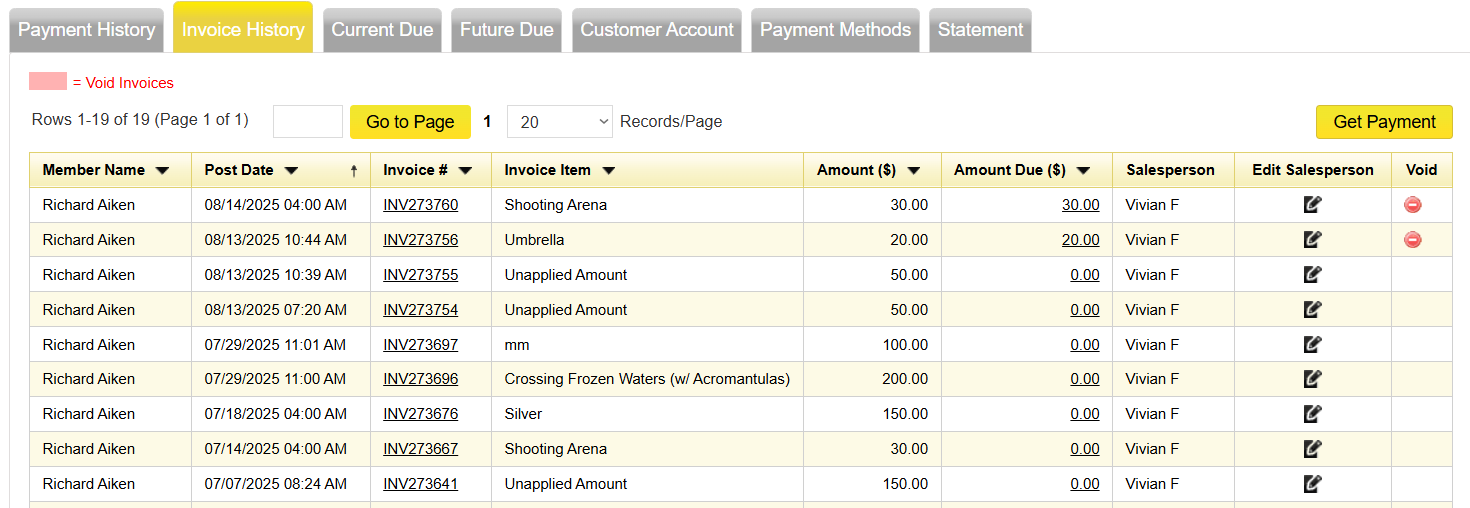
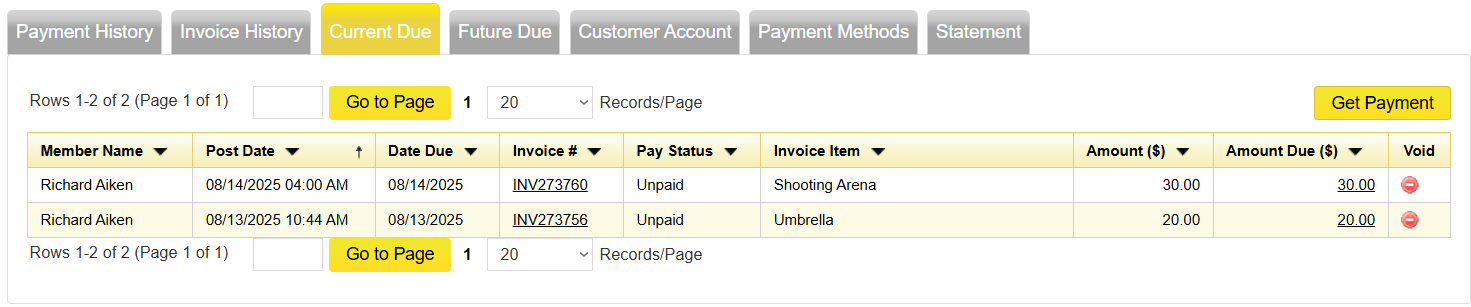
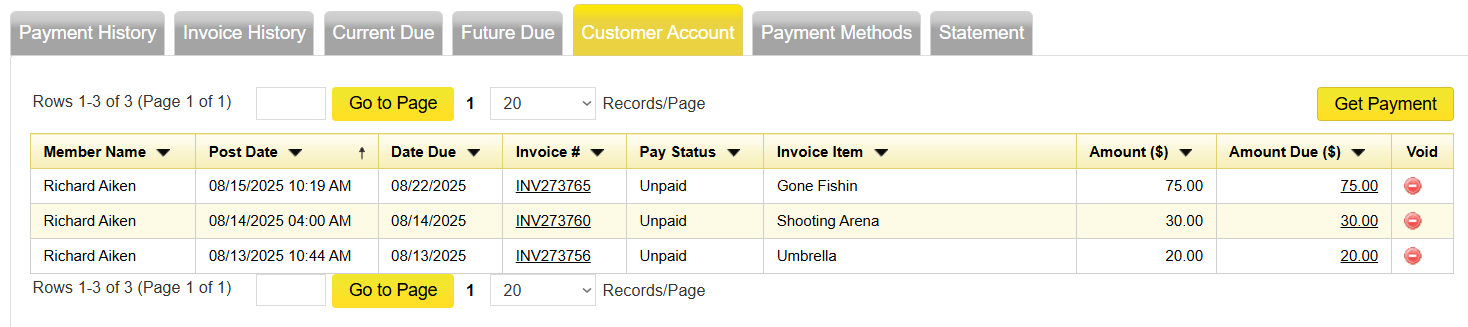
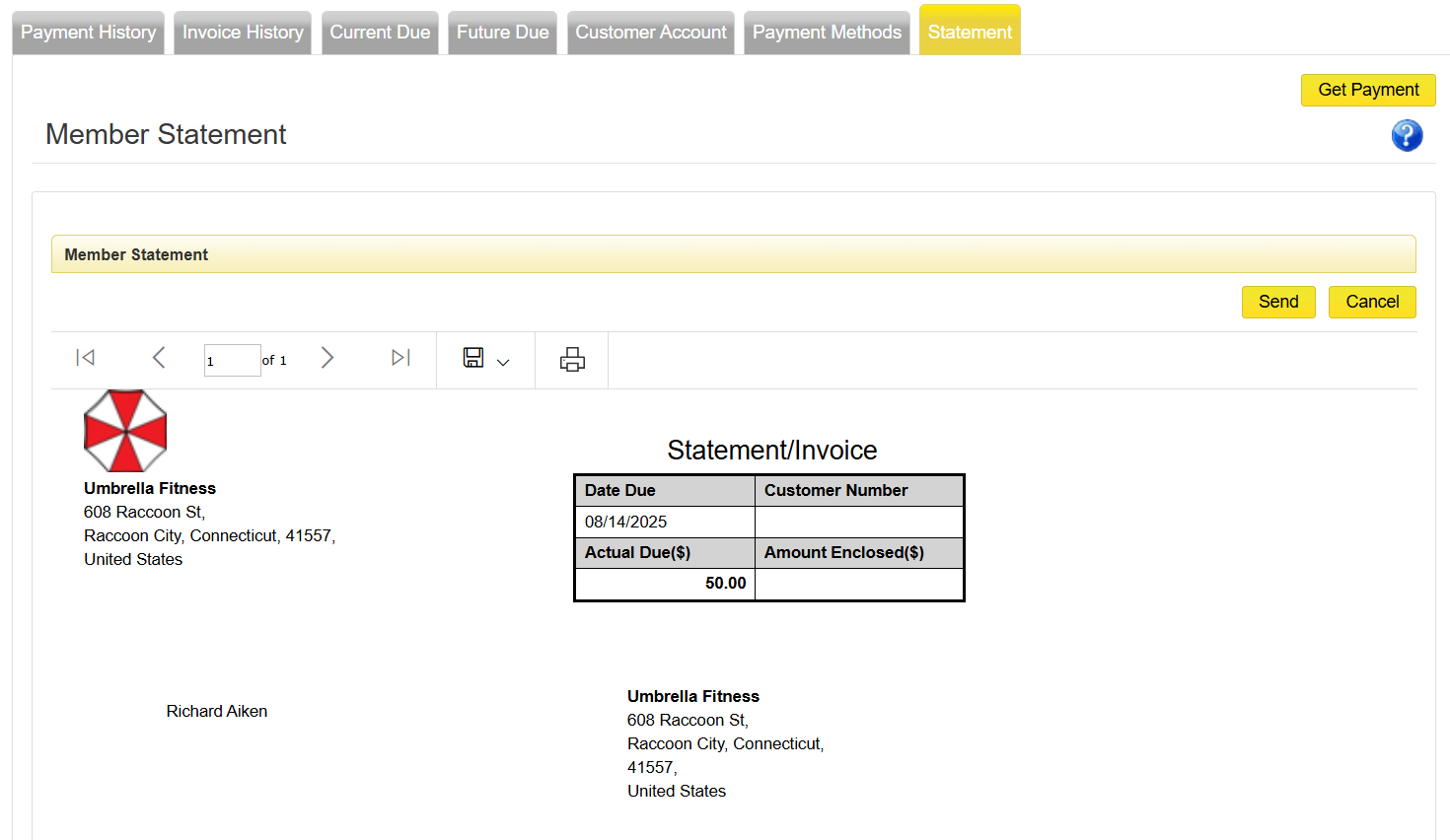
This cell is about the Billing tab located in the Members Record, and how Billing works in general for the Member.
The Billing tab has other tabs further down the page that we also will be going through.
The Billing Tab has some at a glance information and several tabs below.
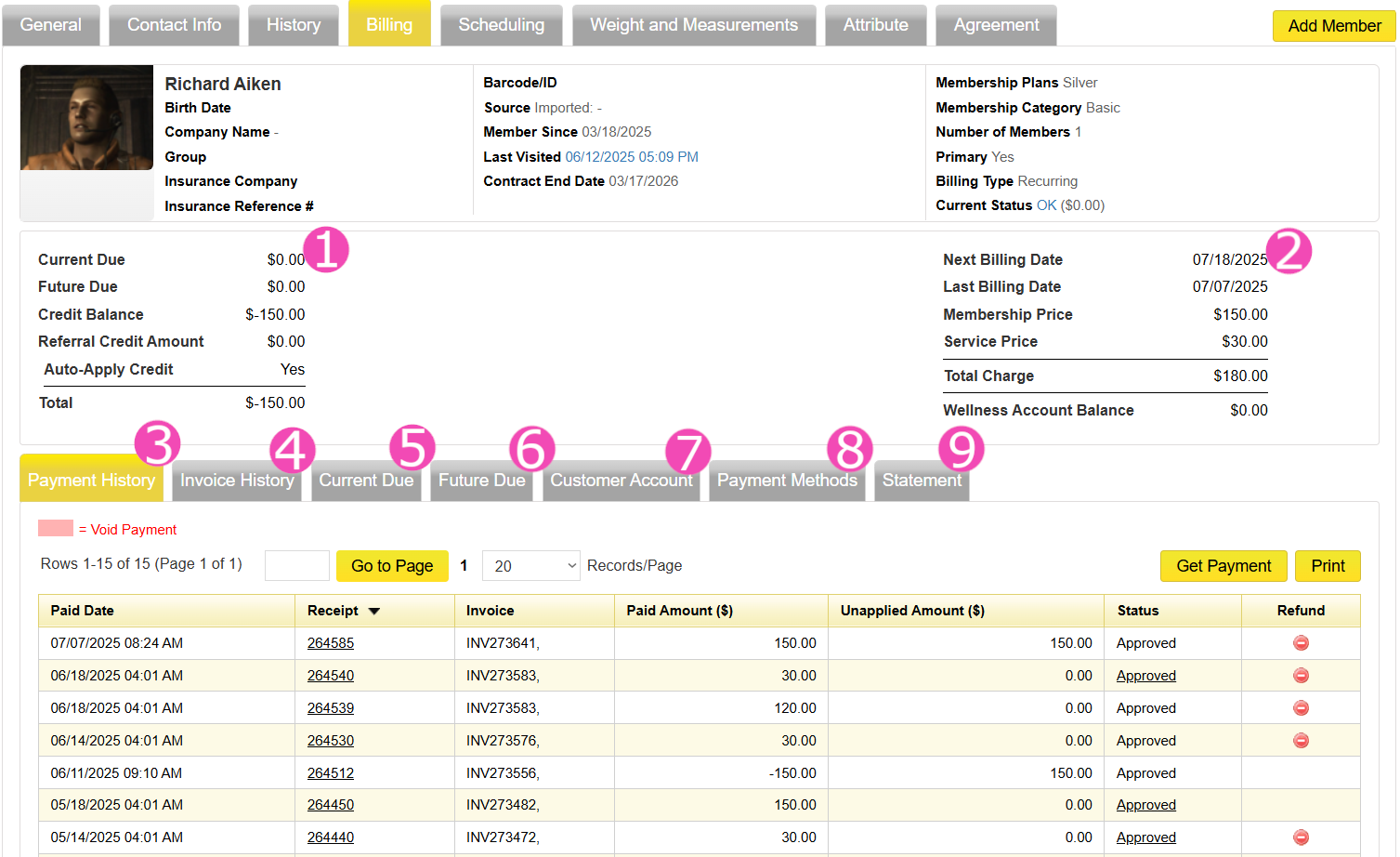
 on the Relate Bar. If set to Yes, the system will automatically pull from the credit first to cover any system generated invoice, before trying any other payment method.
Note: Auto - Apply Credit only works for invoices that the system is automatically billing for. Not for POS. Please click Here to learn how to apply credit at POS.
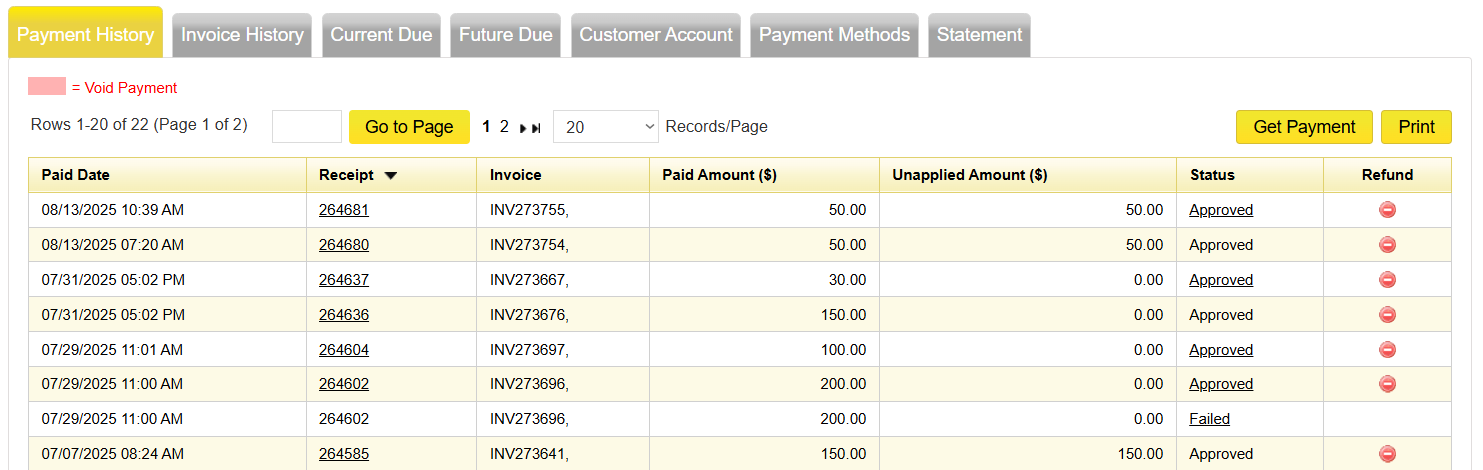
This is the Payment History Tab and it shows what the member has been charged. This can be from Membership and Services to Classes, Sessions, and any POS items. Some things to note:
Hint: U83 is the most common failed error and most likely means that the Member needs to contact their bank.