Punch Cards are a type of Membership that allows the Member to pay for a set amount of visits to your facility. These punches are consumed when the Member is signed in for attendance either by scanning at the desk or door scanners, or by Manual Sign In.
Punch Cards can be prepaid, recurring by usage, or recurring by frequency. They may be set to expire when all punches are used or continue on. These options are chosen when the memberships are created at the OE Tier.
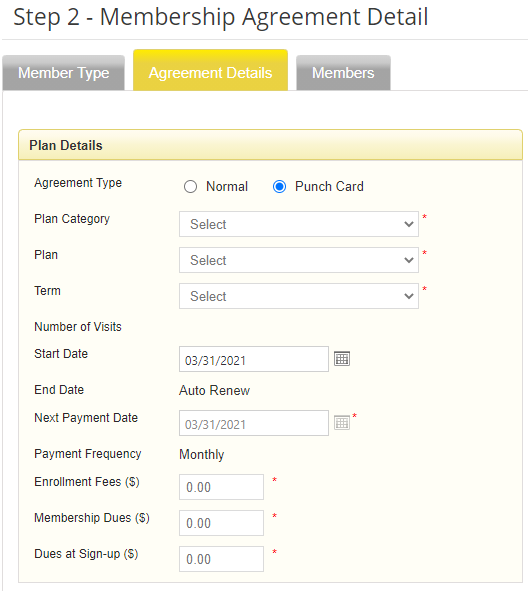
There are different types of Plans based on how the Member will be charged. These should be explained to you by your Manager or the Owner.
Please get information from the owner or your manager on if you are to input an expiration on the Punch Card.
To keep track of the Members visits, you can access this information by going to the Members Record. and clicking on the History Tab. In the dropdown, you can select Punch Card Usage History to view when their punches where used and how many they have left.
