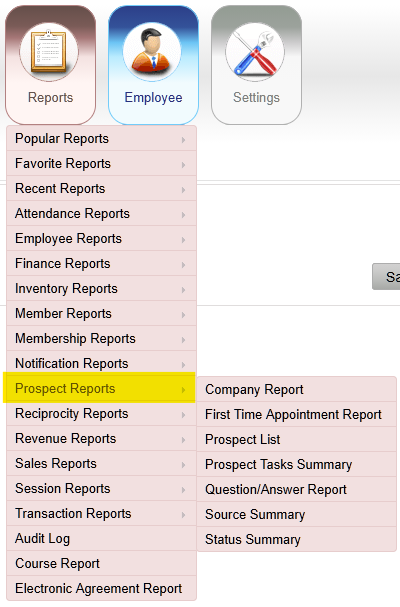
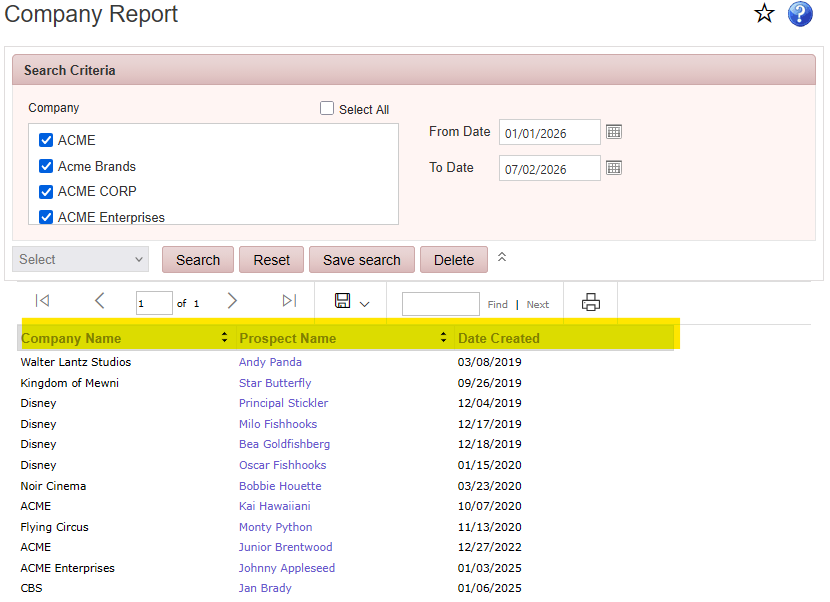
Reports > Prospect Reports > Company Report
Displays prospects grouped by the company or organization with which they are associated.
Reports > Prospect Reports > First Time Appointment Report
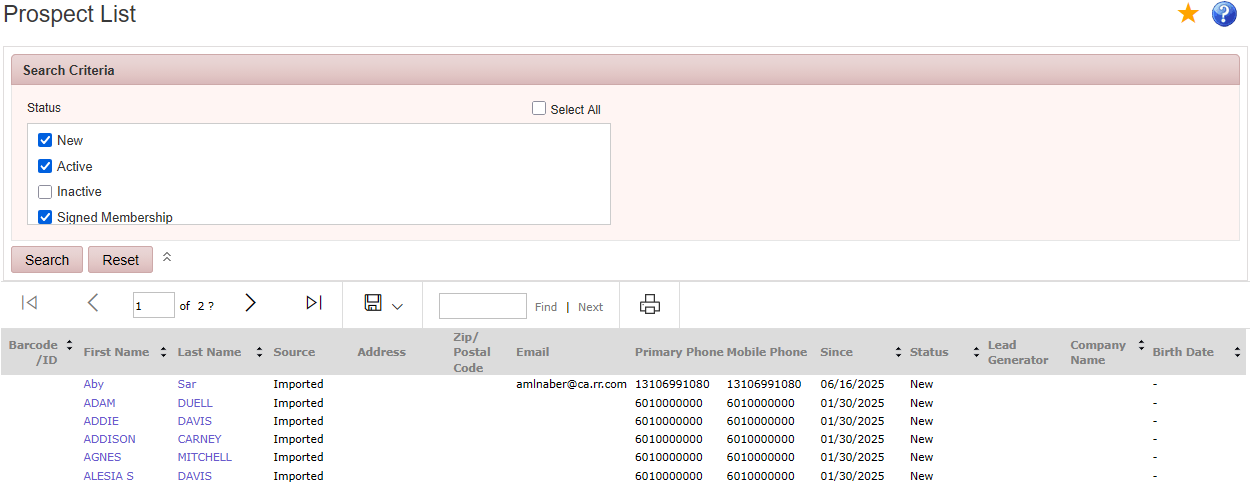
Reports > Prospect Reports > Prospect List
Displays prospect records, including contact information, status, lead generator, and lead source.
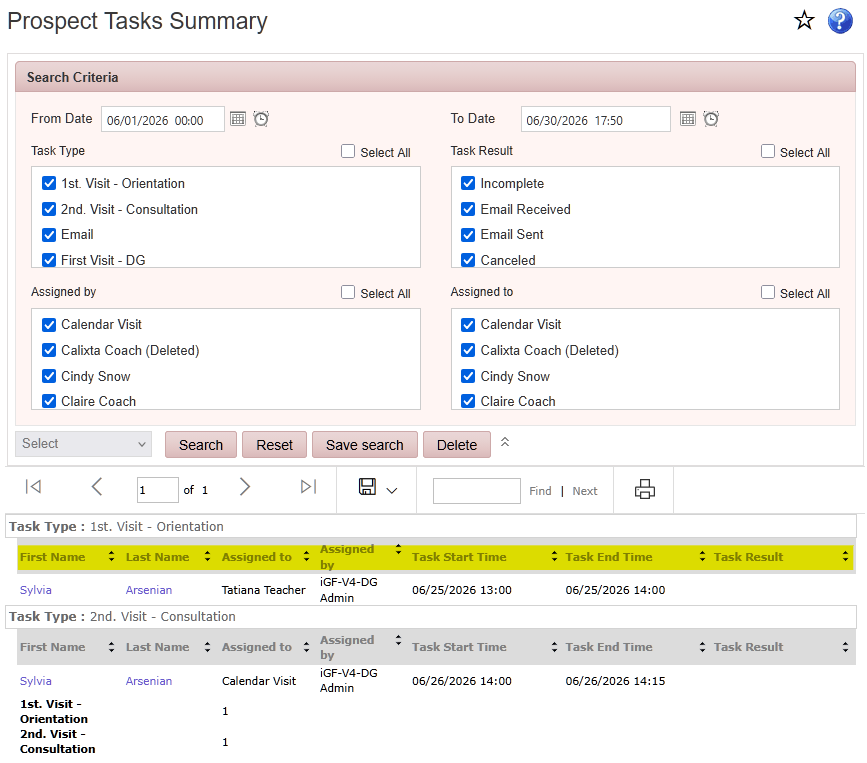
Reports > Prospect Reports > Prospect Tasks Summary
Displays prospect tasks scheduled during the selected date range, grouped by task type, including task category, assigned prospect, task date, and assigned employee.
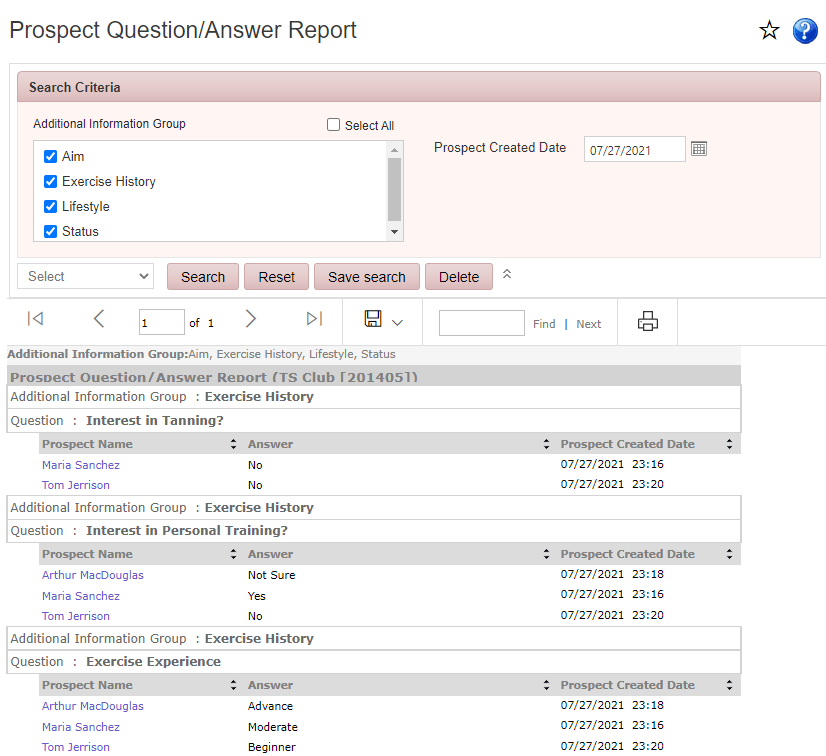
Reports > Prospect Reports > Question/Answer Report
Displays prospect questionnaire responses during the selected date range, including question categories, prospect names, and recorded answers.
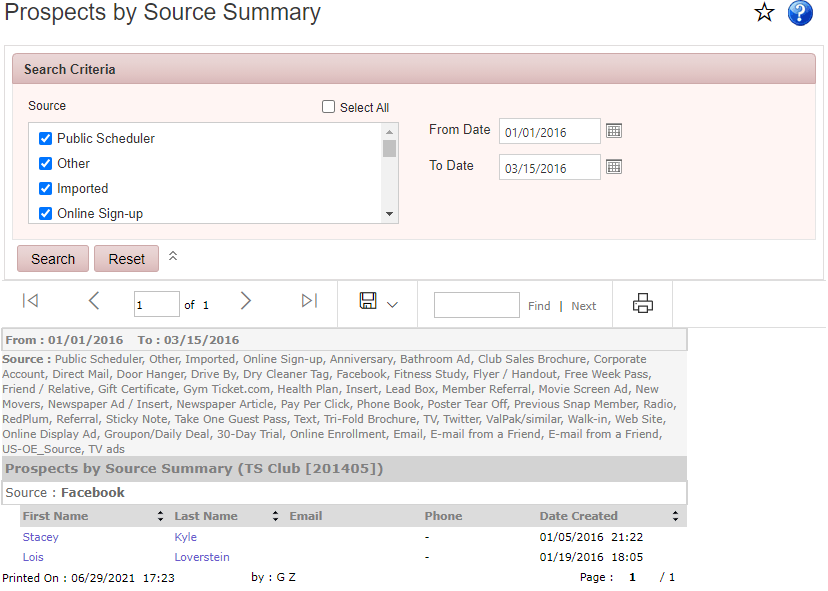
Reports > Prospect Reports > Prospects by Source Summary
Displays prospects grouped by lead source, to evaluate how prospects learned about the club.
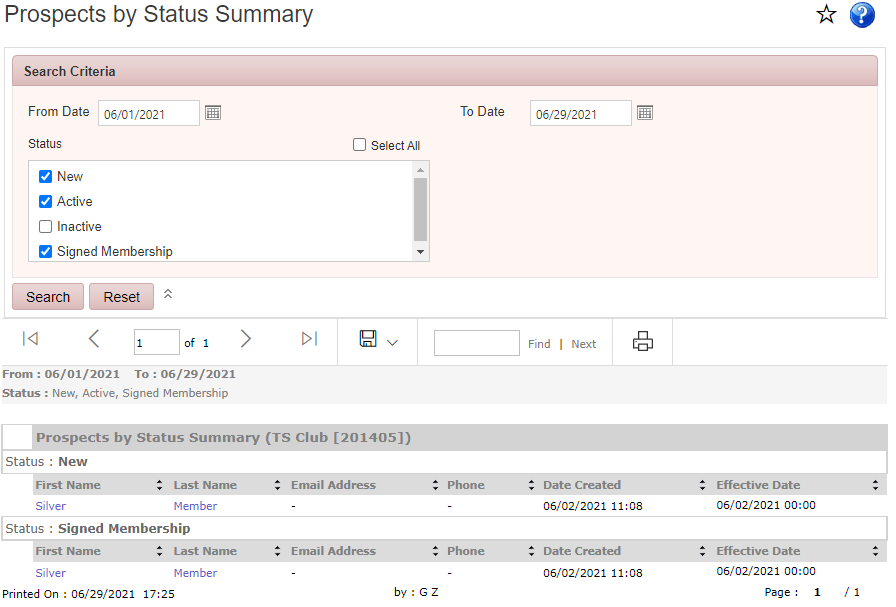
Reports > Prospect Reports > Prospects by Status Summary
Displays prospects grouped by their current status for the selected date range.
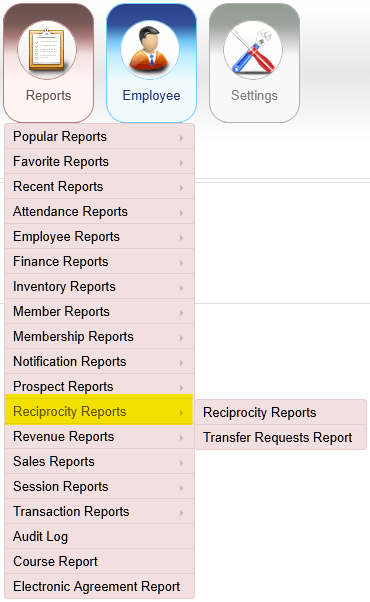
Reports > Reciprocity Reports > Reciprocity Report
Displays members who transferred into or out of the club during the selected date range.
Note: This report is available only for multiple-club owners under the same OE.
Reports > Reciprocity Reports > Transfer Requests Report
Displays pending member transfer requests during the selected date range.
Note: This report is available only for multiple-club owners under the same OE.
