This reference guide lists the available reports by category.
Each report includes:
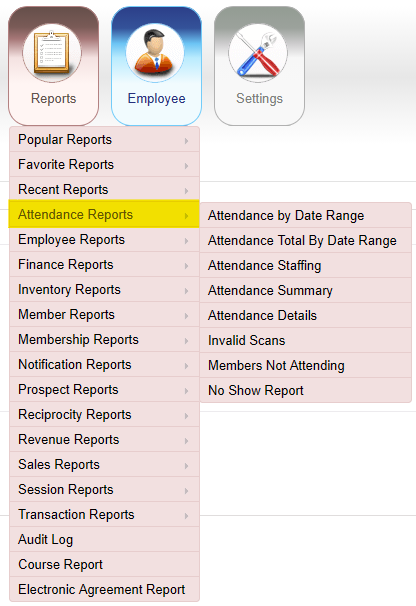
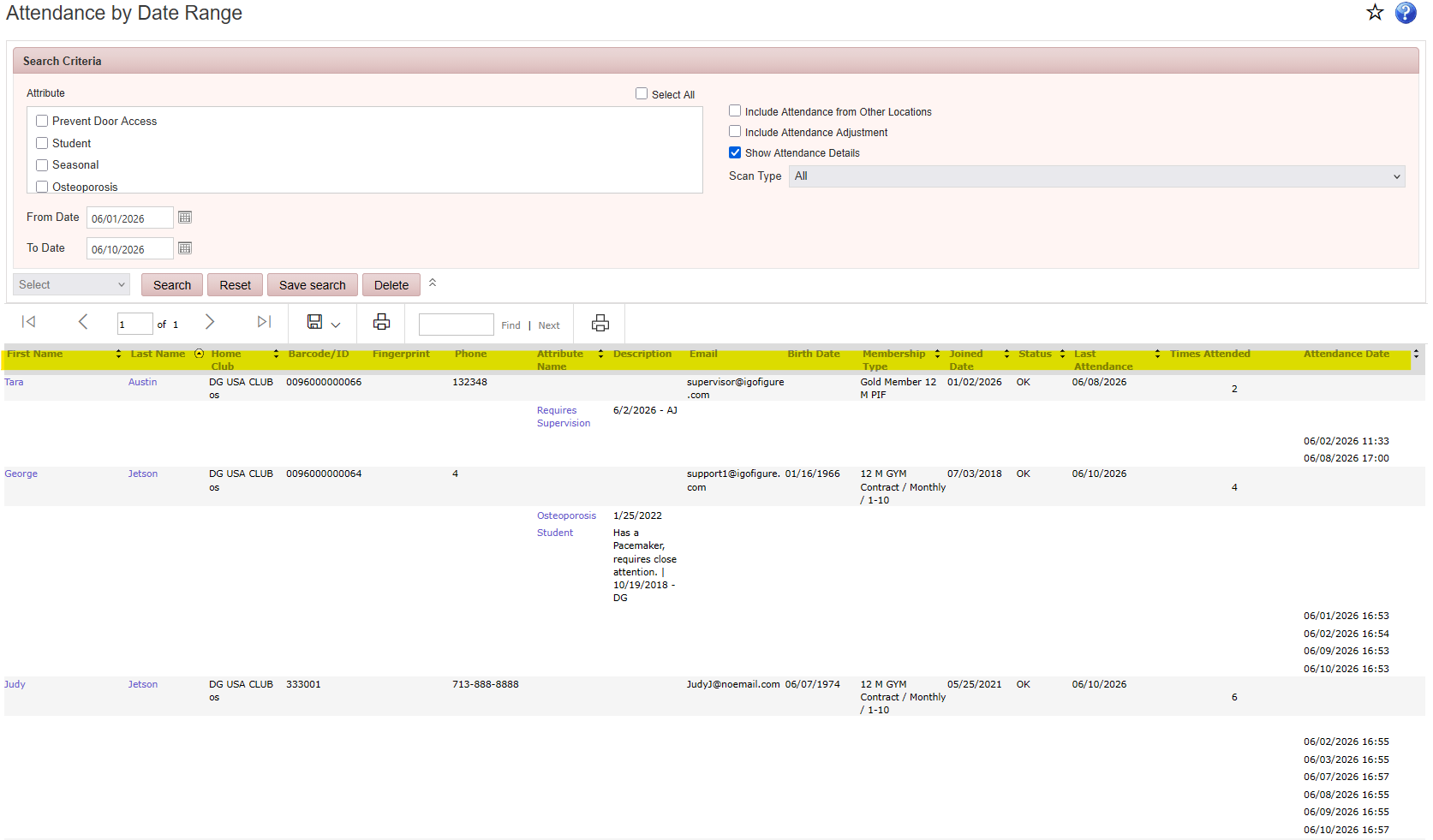
Reports > Attendance Reports > Attendance by Date Range
Displays members attended during selected date range, including visit count, and last visit date.
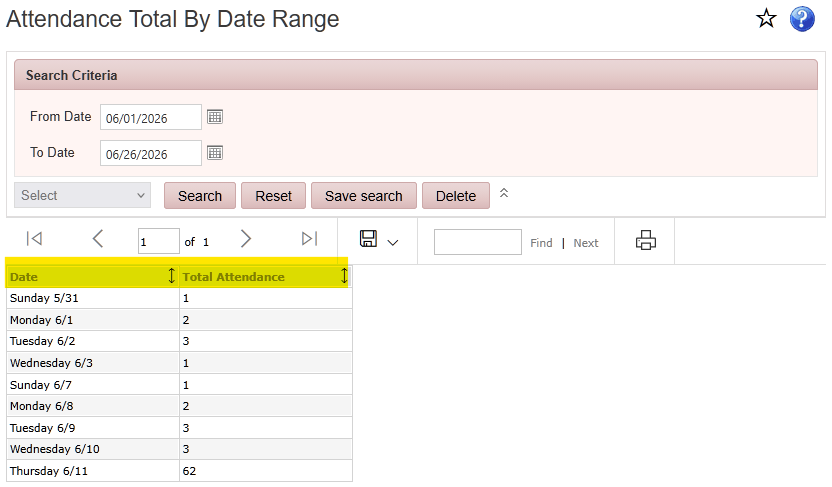
Reports > Attendance Reports > Attendance Total by Date Range
Displays the total attendance for the selected date range.
Reports > Attendance Reports > Attendance Staffing
Displays staff hours compared to club attendance for a day, week, month, or year.
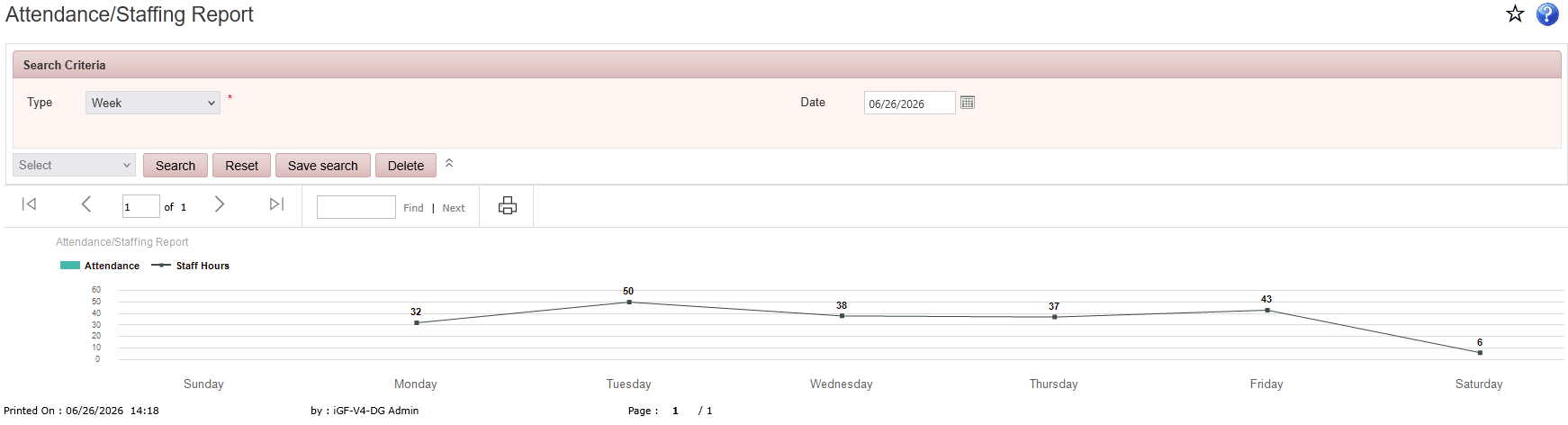
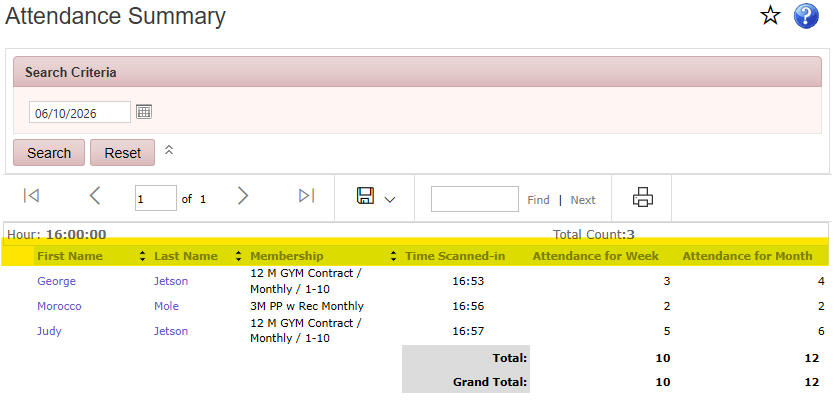
Reports > Attendance Reports > Attendance Summary
Displays member attendance for the selected date range, including member information, membership type, total visits, and attendance summaries by week or month.
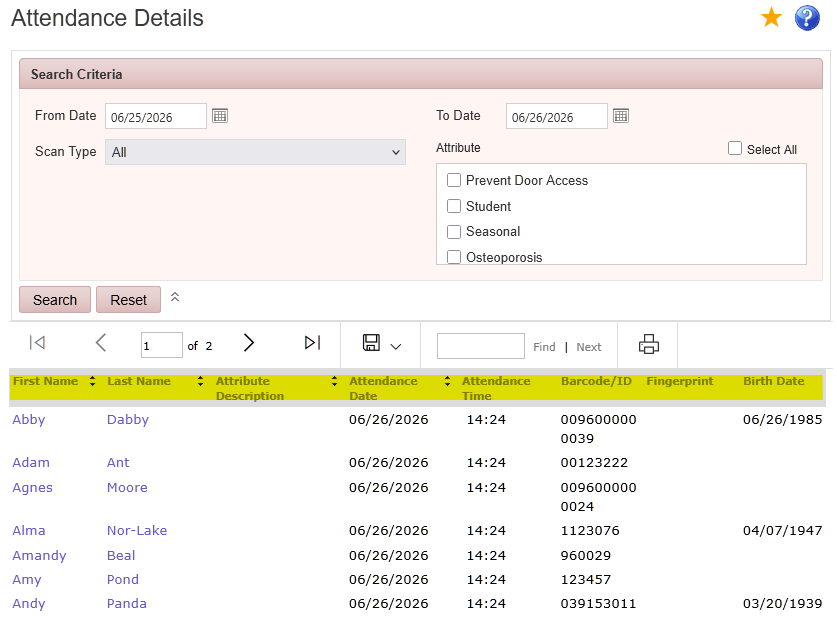
Reports > Attendance Reports > Attendance Details
Displays detailed member check-in history, including scan date and time, member information, assigned attributes, and date of birth, by selected date range and filtered by attribute. This report can be used to report on attendance for insurance paid attendance-based programs such as Silver Sneakers.
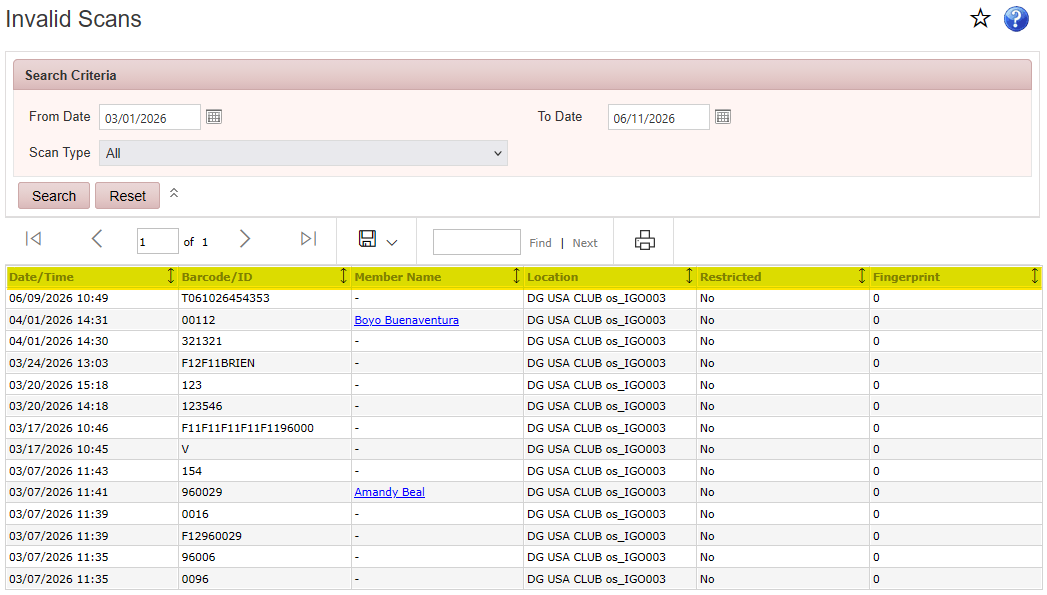
Reports > Attendance Reports > Invalid Scans
Displays invalid member scan attempts during the selected date range, allowing clubs to identify access issues or invalid memberships.
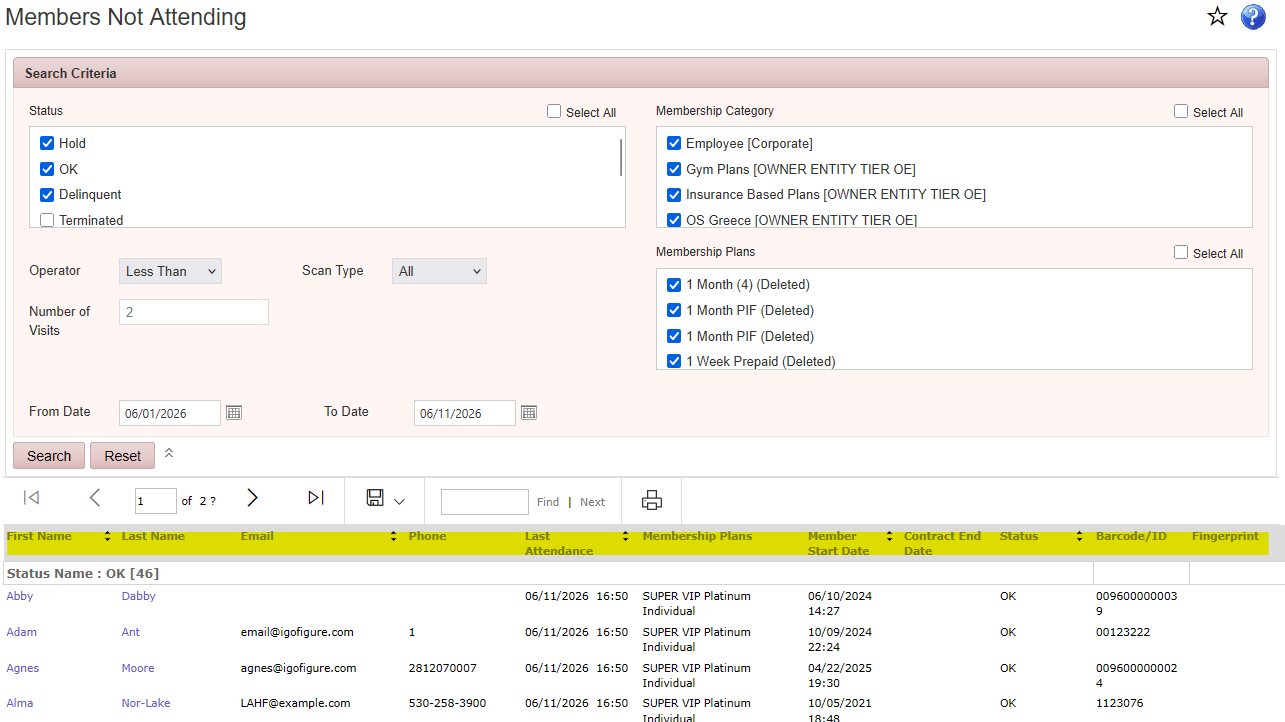
Reports > Attendance Reports > Members Not Attending
Displays members whose attendance meets the selected criteria using Less Than, Equal To, or Greater Than visit filters within a specified date, grouped by status.
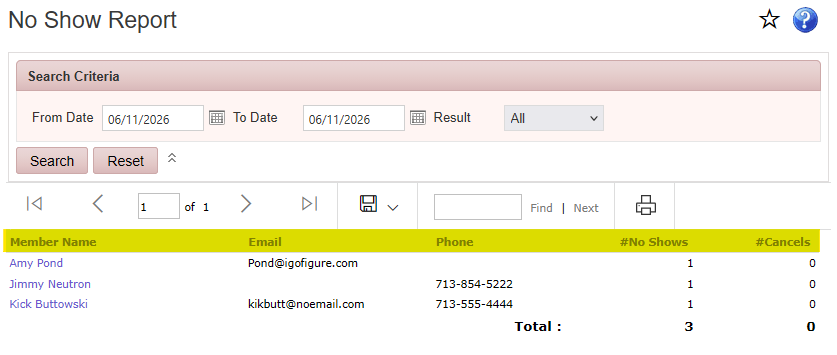
Reports > Attendance Reports > No Show Report
Displays members with appointments scheduled on calendar and did not show up. Includes name, contact information, number of no show, and number of cancelled appointments.