To find Employee Records go to Employee Menu.
Employee > View All > click the Employee Name to View Employee’s Details
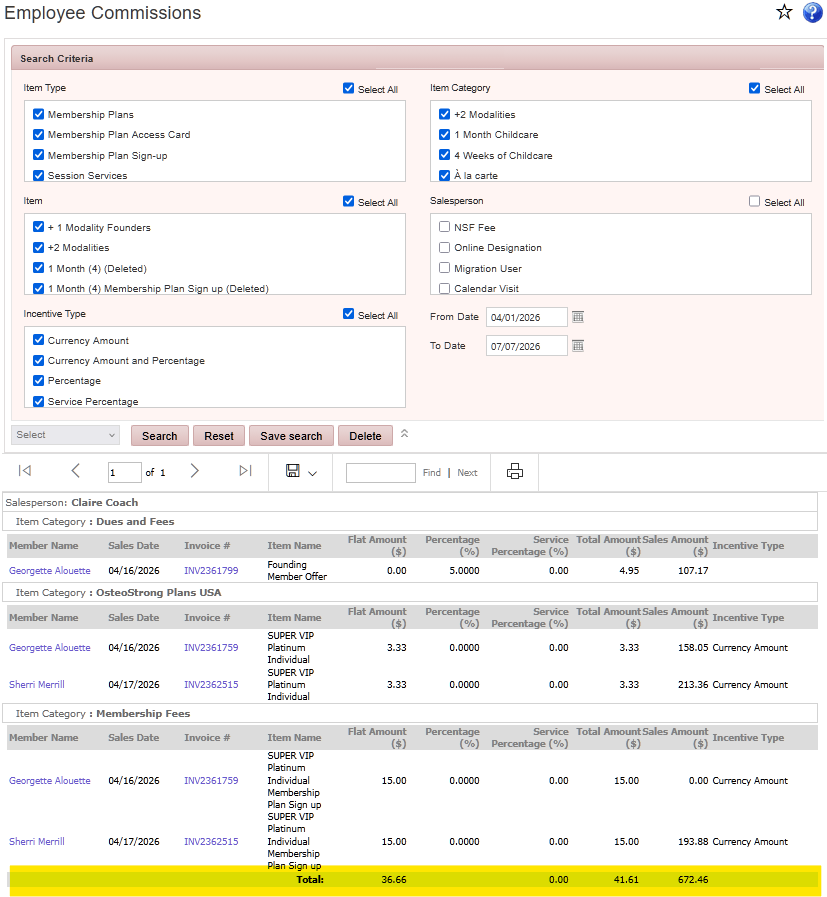
 View Employee Commissions & Bonuses Report > click on the Commission button
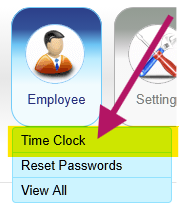
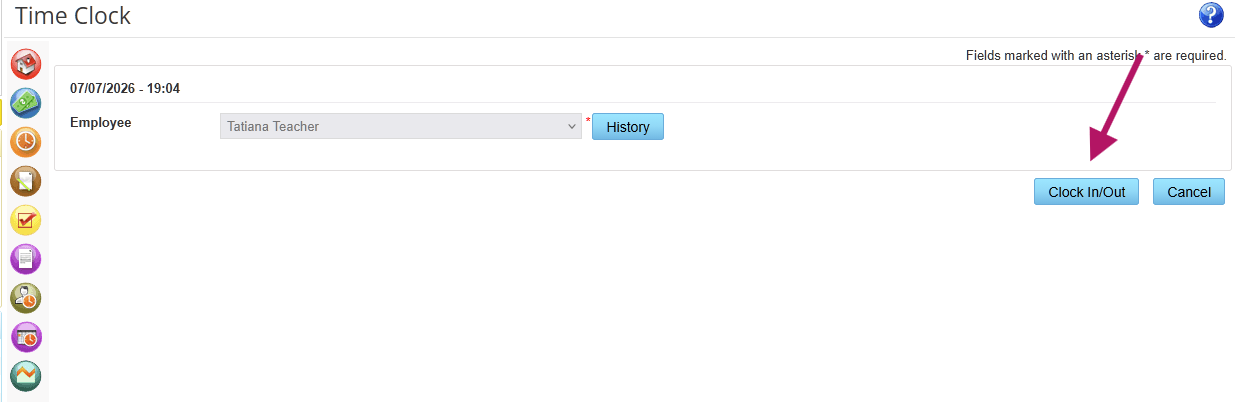
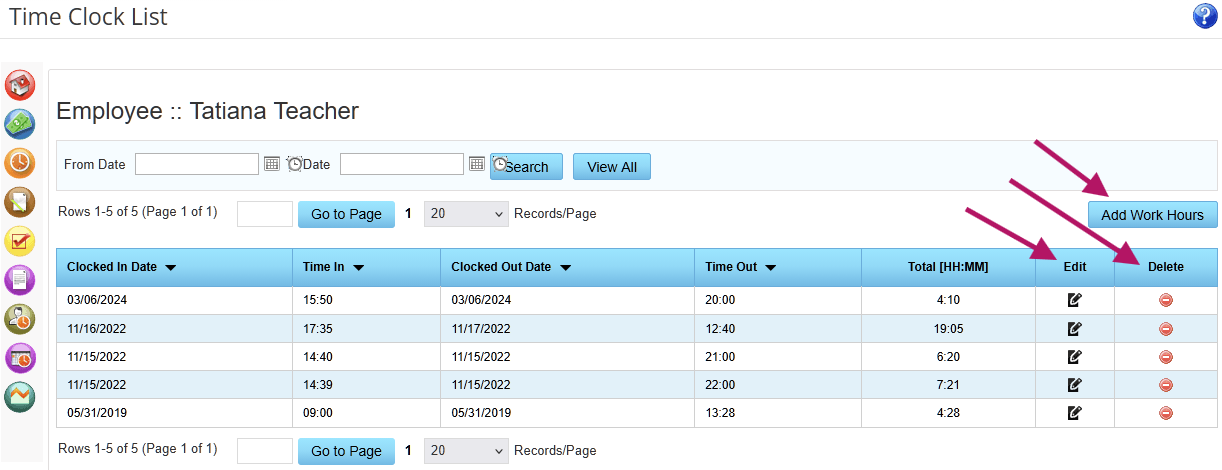
Employee Menu > Time Clock or from the employee record click on the Time Clock button 

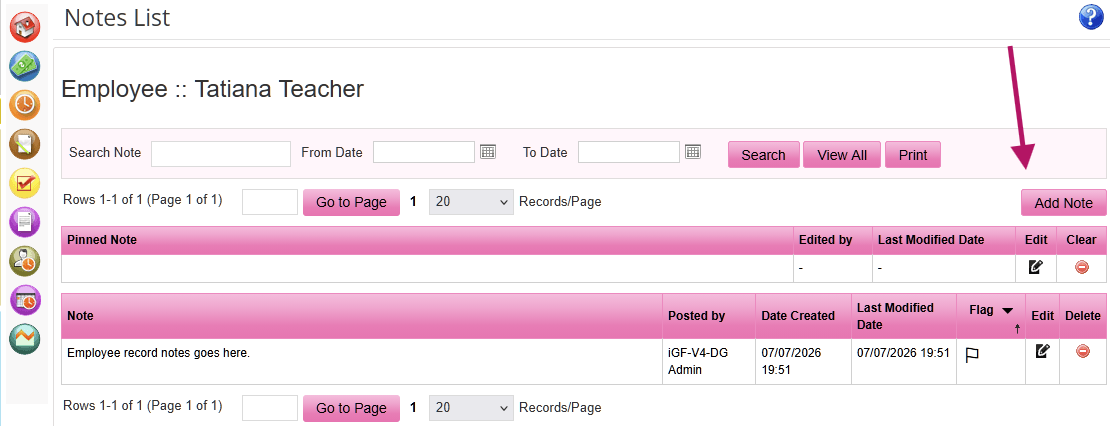
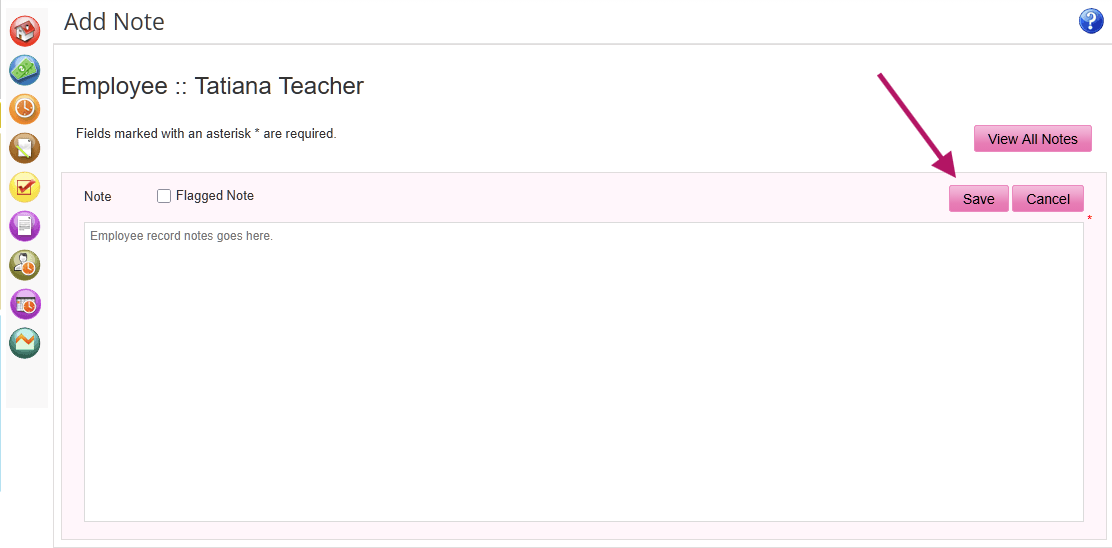
 Add notes to the employee record.
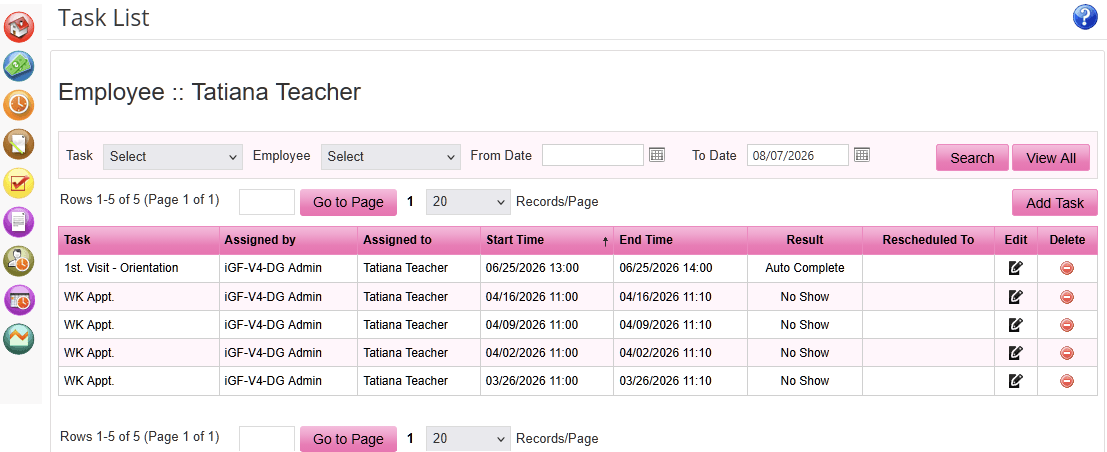
 View a list of tasks assigned to an employee.
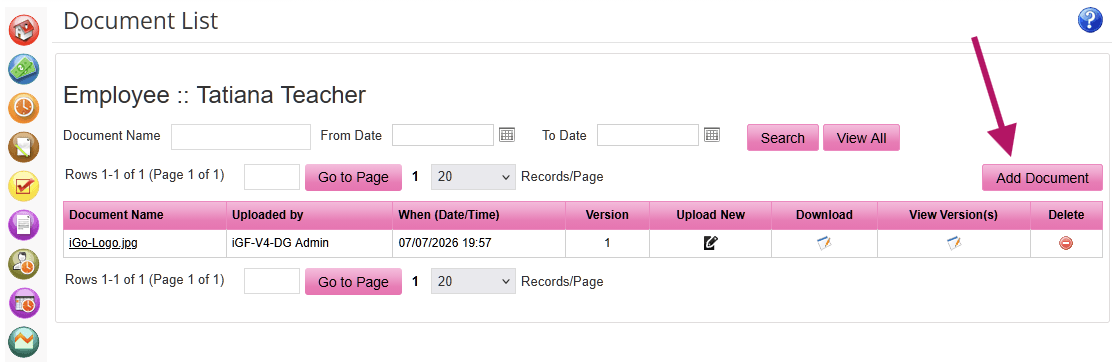
 Attach documents to an employee’s file, e.g., a scan of an ID or Driver’s License.
Search for documents by name, and/or date, or view documents in a date range.
Click the document name to view the document, download it, upload a new version or delete it.
Setting staff hours helps make scheduling tasks and service sessions easier to manage.
Select Employee > View All
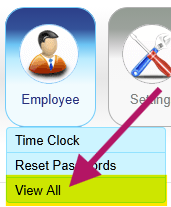
 on the Relate Bar
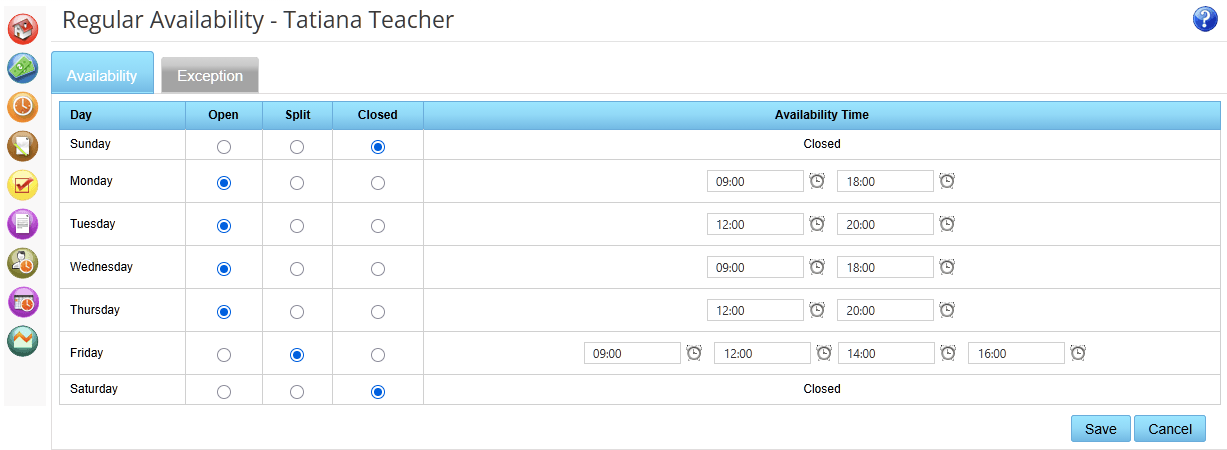
Once hours are set click the button to see the schedule.
Click Edit Regular Availability to make changes.
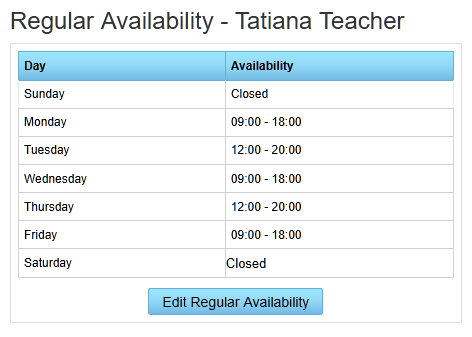
Allow users to add exceptions to an employee’s standard hours and view the history of all exceptions.
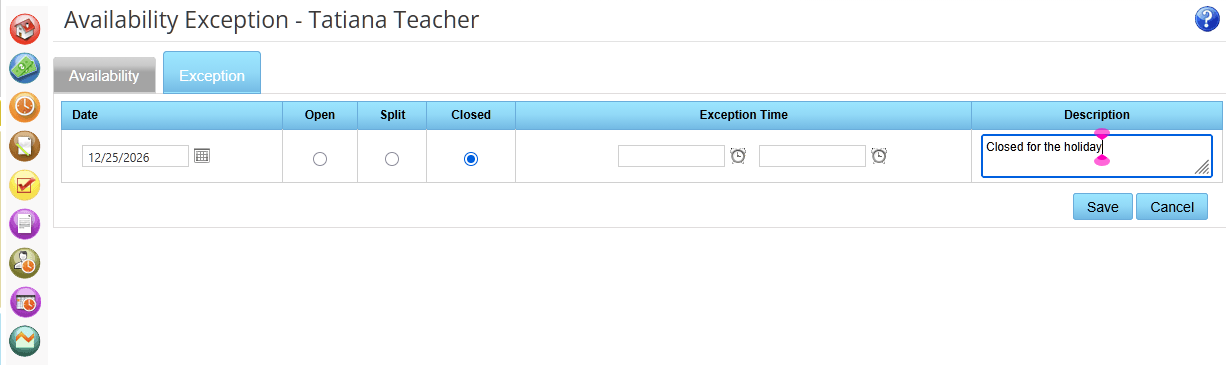
View exceptions created; add, edit, or delete an exception, or view the history of past exceptions.
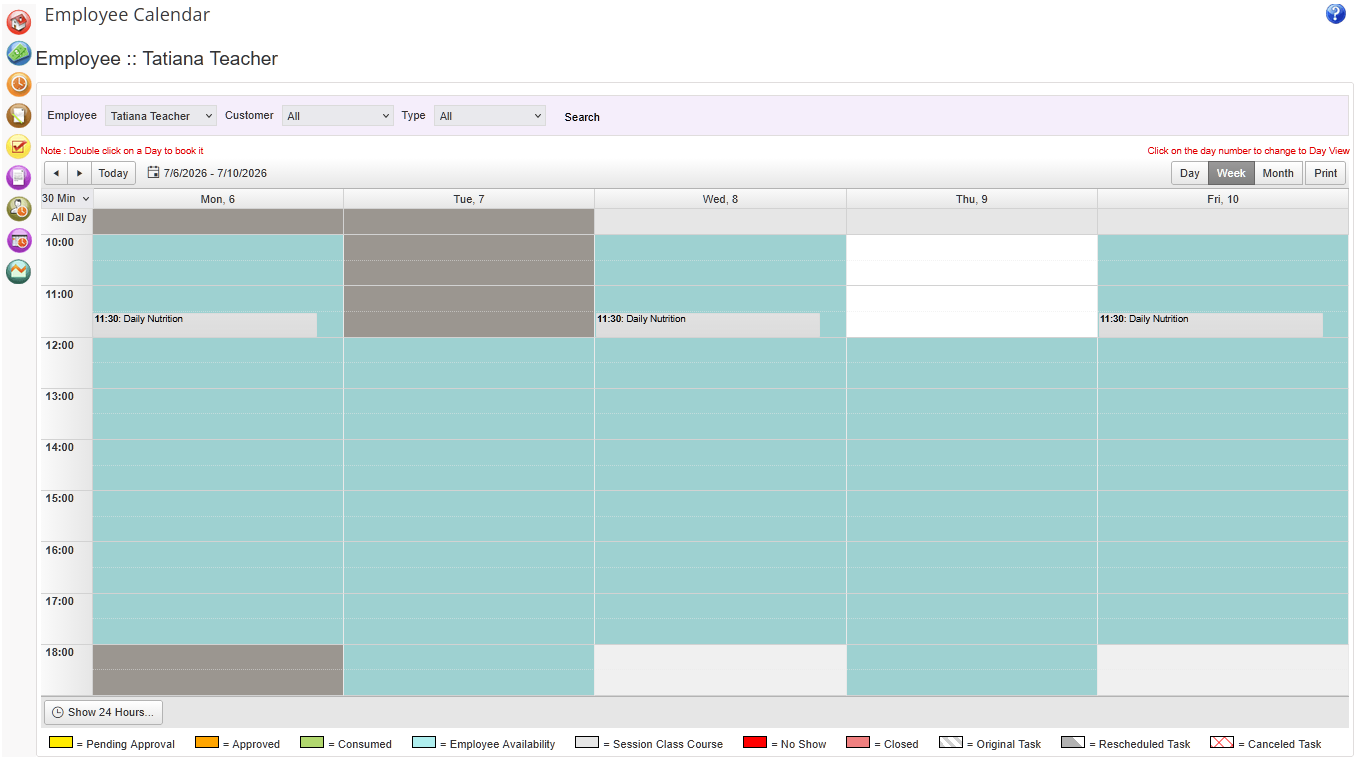
 View calendar of appointments, tasks, sessions, and classes assigned to the employee.
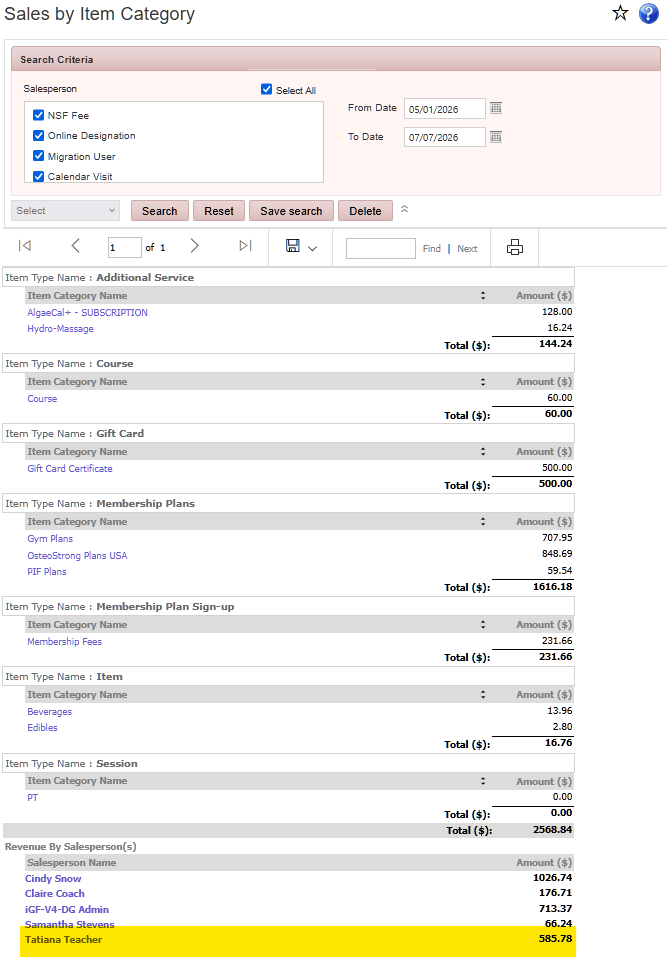
To view Sales Report, go to the employee's record > Click the Sales  icon on the Relate bar.