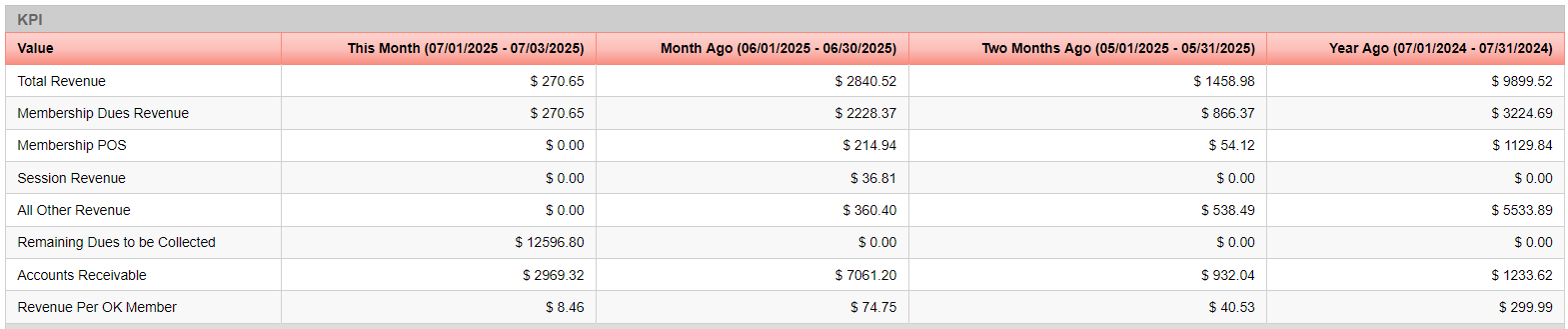
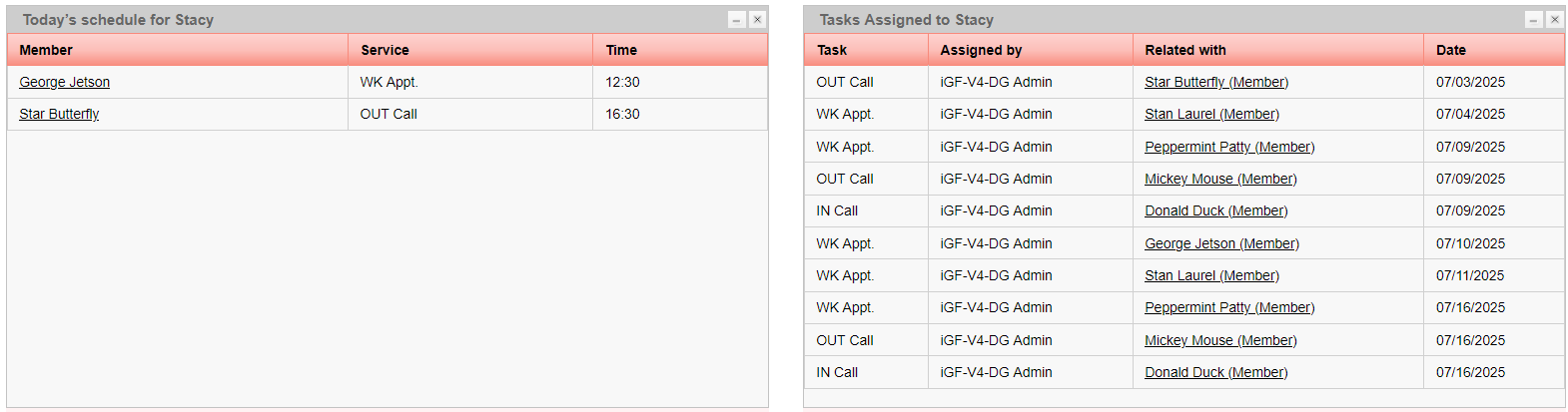
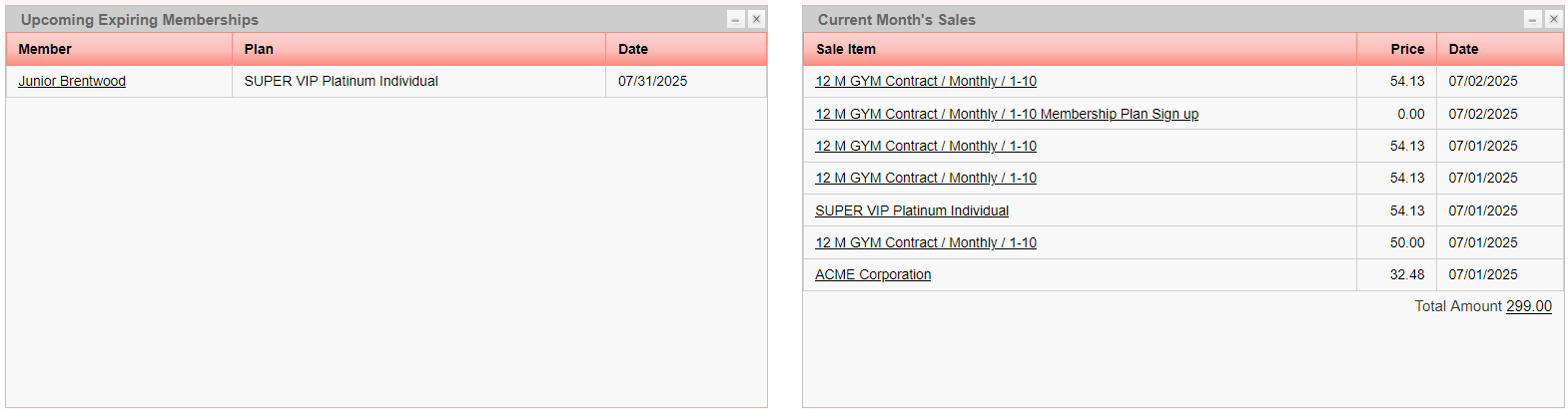
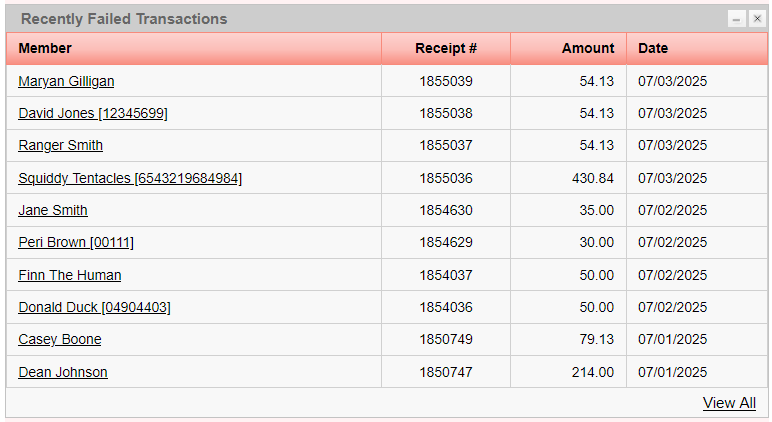
This is the iGo360 Home Page. We will go through the layout below and give a full tour in this Learning Cell.
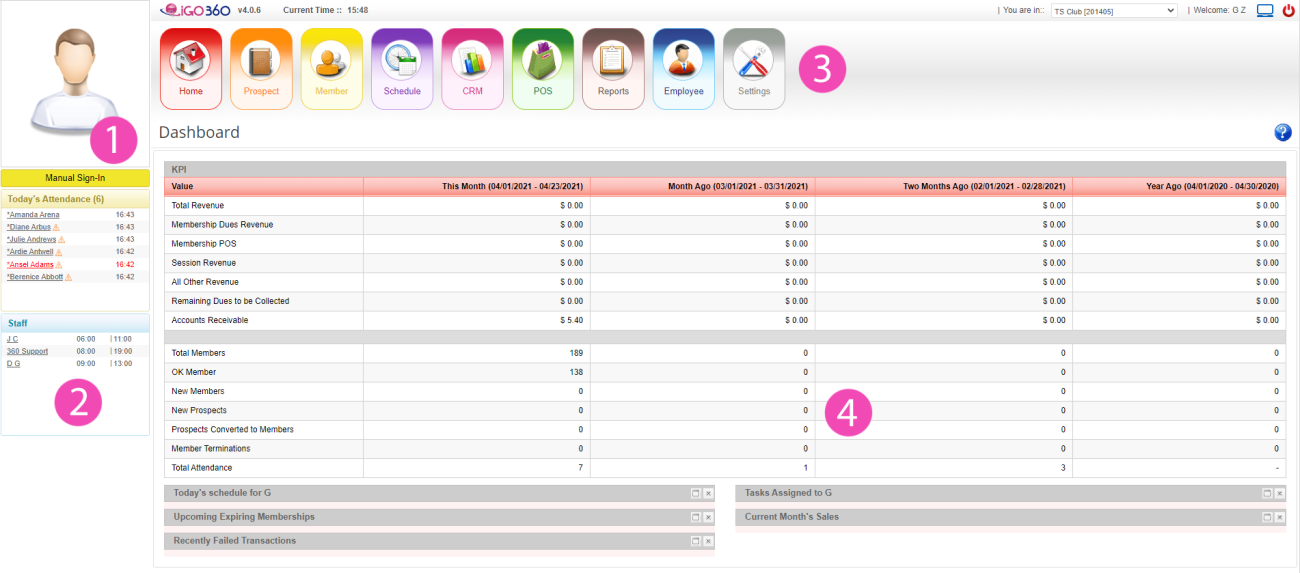
This is the attendance panel. Here is where you can sign in your members, view today's attendance, and track statuses. If you have an Attendance Scanner, members can sign themselves in.
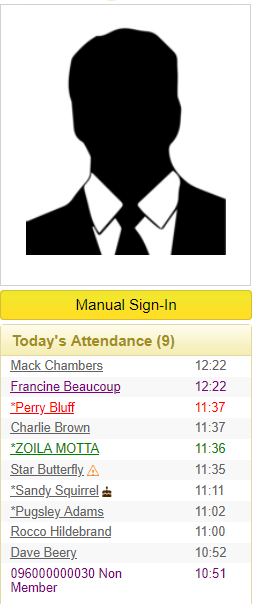
From top to bottom, the Attendance Panel shows:
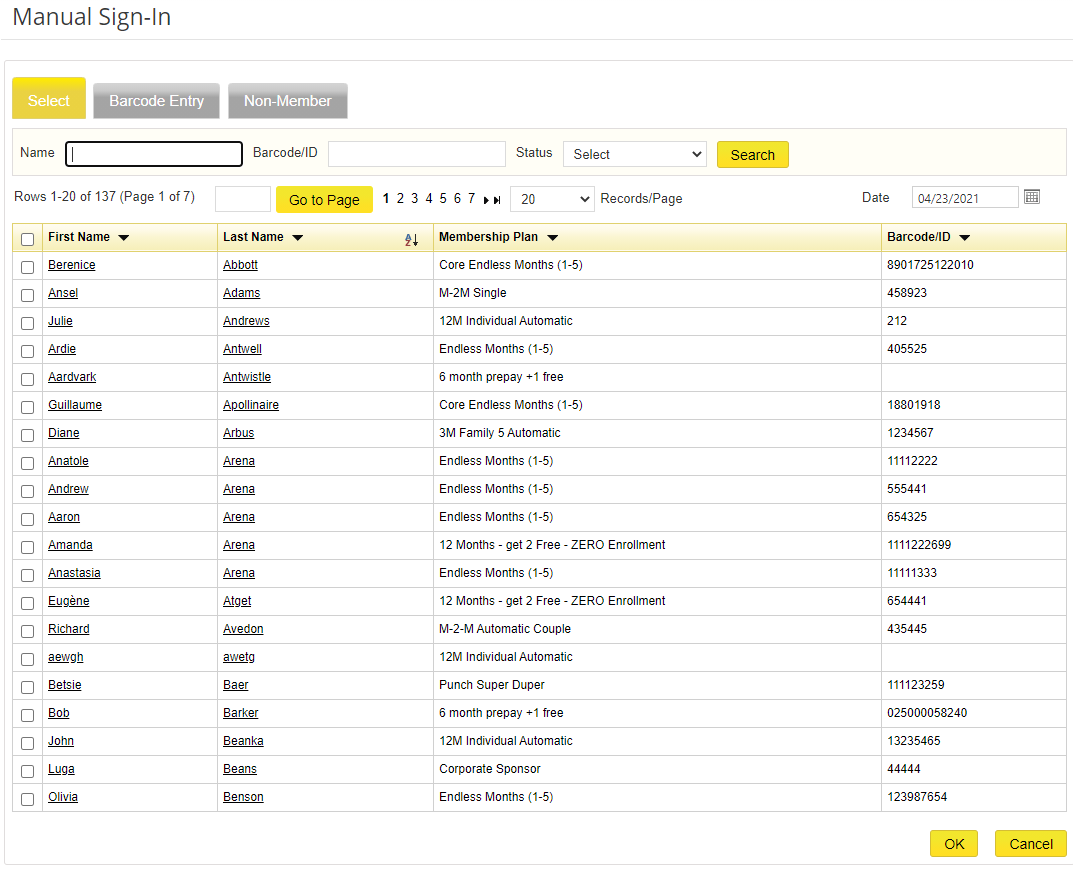
Steps to manually sign in a member:
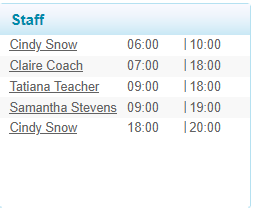
Displays a list of today's working staff and their scheduled hours.
Menu shortcuts at the top of every iGo360 page:

The dashboard displays configurable windows for each employee. Windows can be minimized, restored, or closed.